


How to reset the device
Make sure your device is in pairing mode before searching for it (subject to product manual).
A. Bulbs/Ceiling Lights (or other devices without a reset button)
1. Pairing Mode Status
Blink rapidly or Breathe rapidly (only lasts for 3-10 minutes)
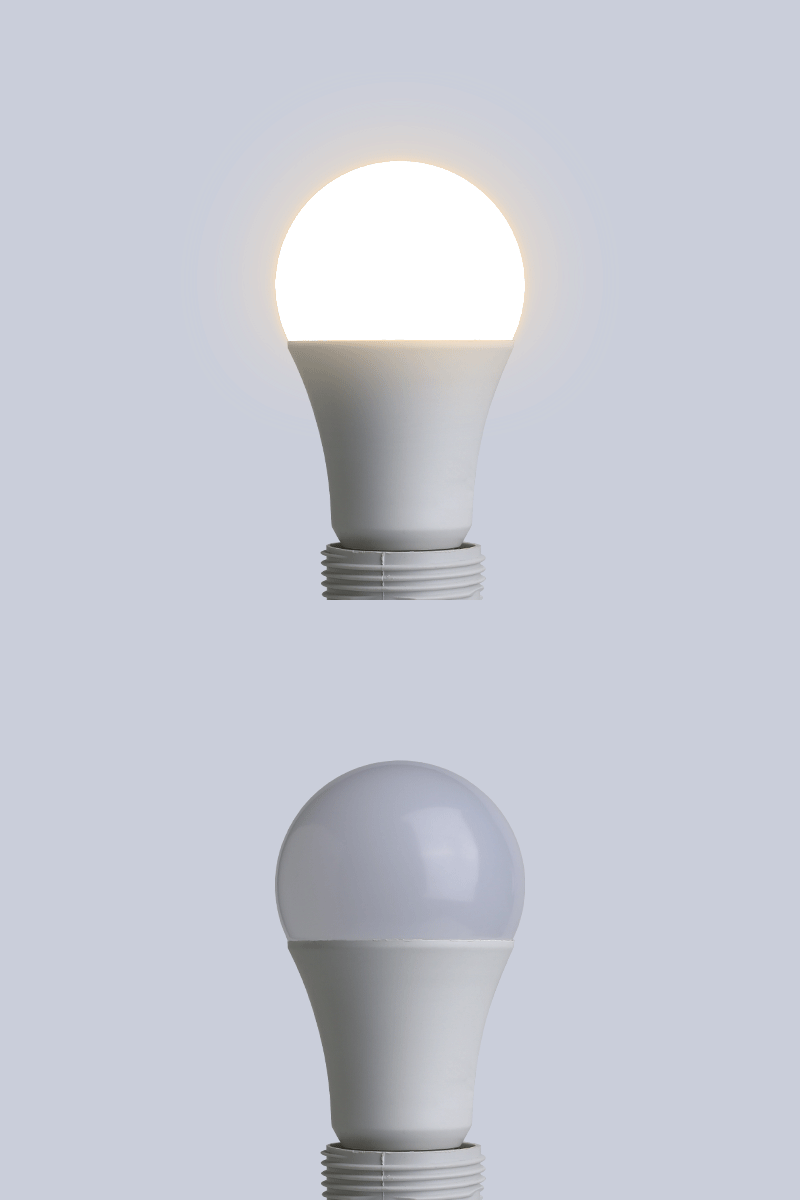
Or
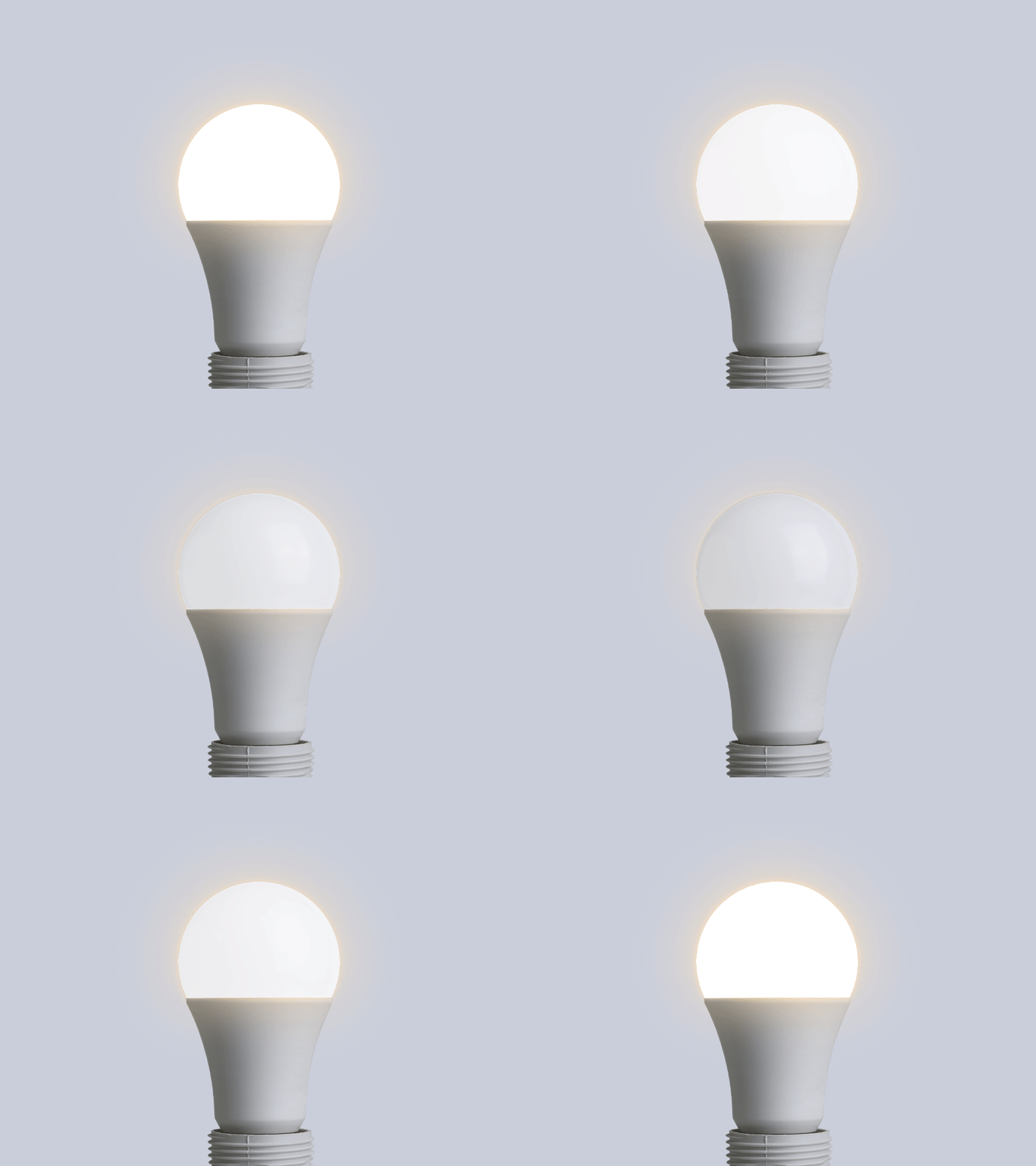
2. How to reset the device
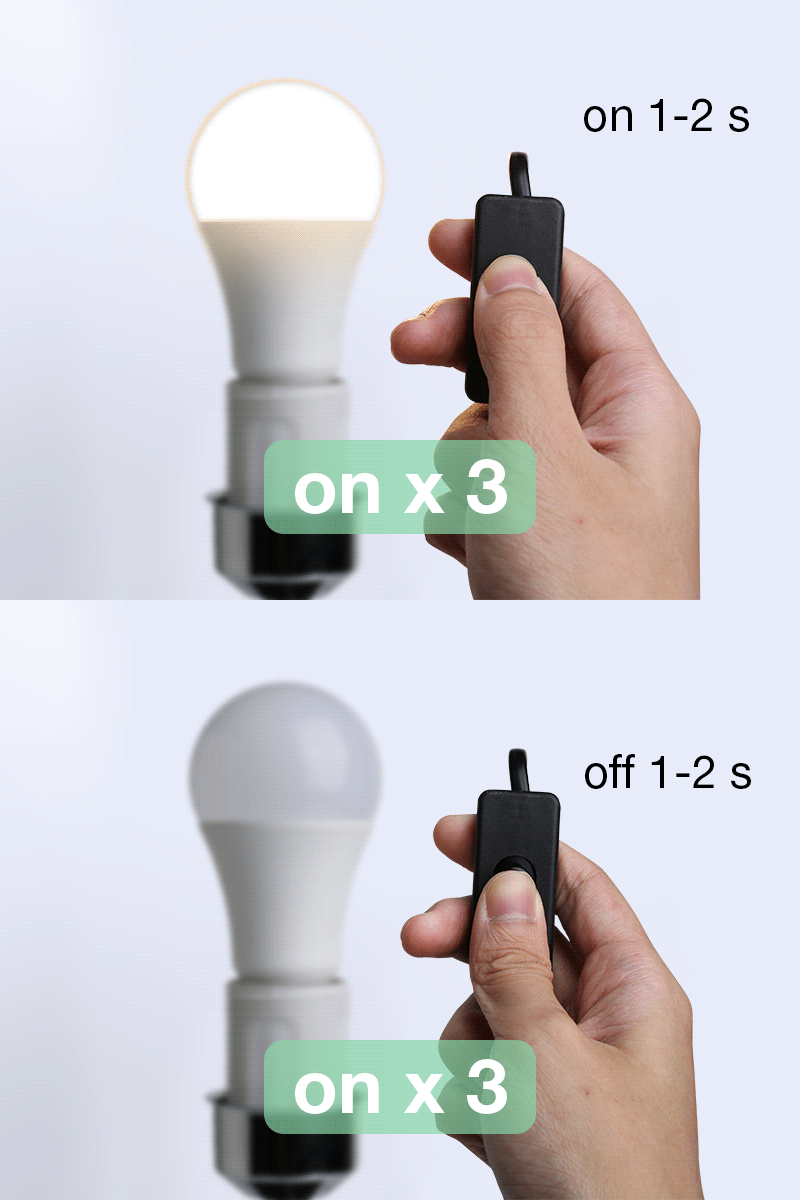
2.1 [WiFi only] or [WiFi +Bluetooth] Device:
If it doesn't start blinking within 10 seconds after powering on, power off and on the device for 3 times (off-on-off-on-off-on), make sure to leave 1-2s between off and on position.
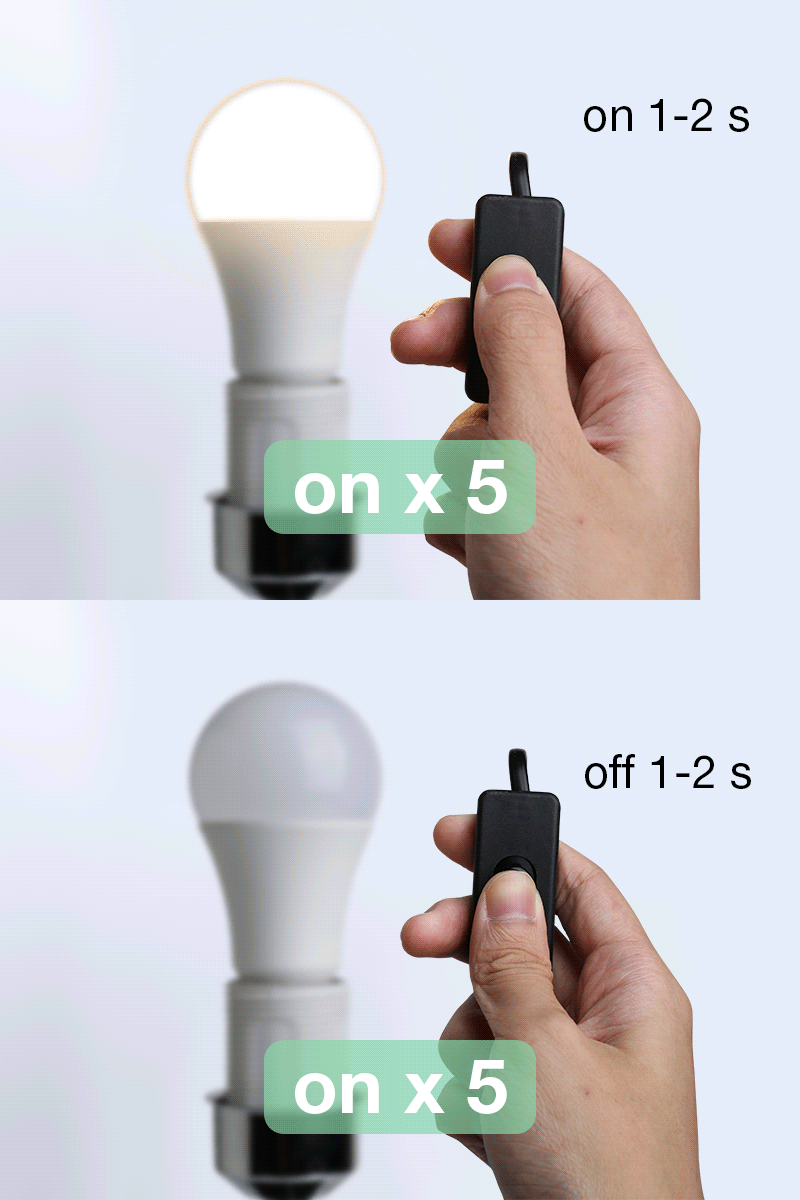
2.2 [Bluetooth only] Device:
If it doesn't start blinking within 10 seconds after powering on, power off and on the device for 5 times (off-on-off-on-off-on-off-on-off-on), make sure to leave 1-2s between off and on position.
B. Strip Lights / Table Lamp (or other devices with a reset button)
1. Pairing Mode Status
Blink rapidly (only lasts for 3-10 minutes)
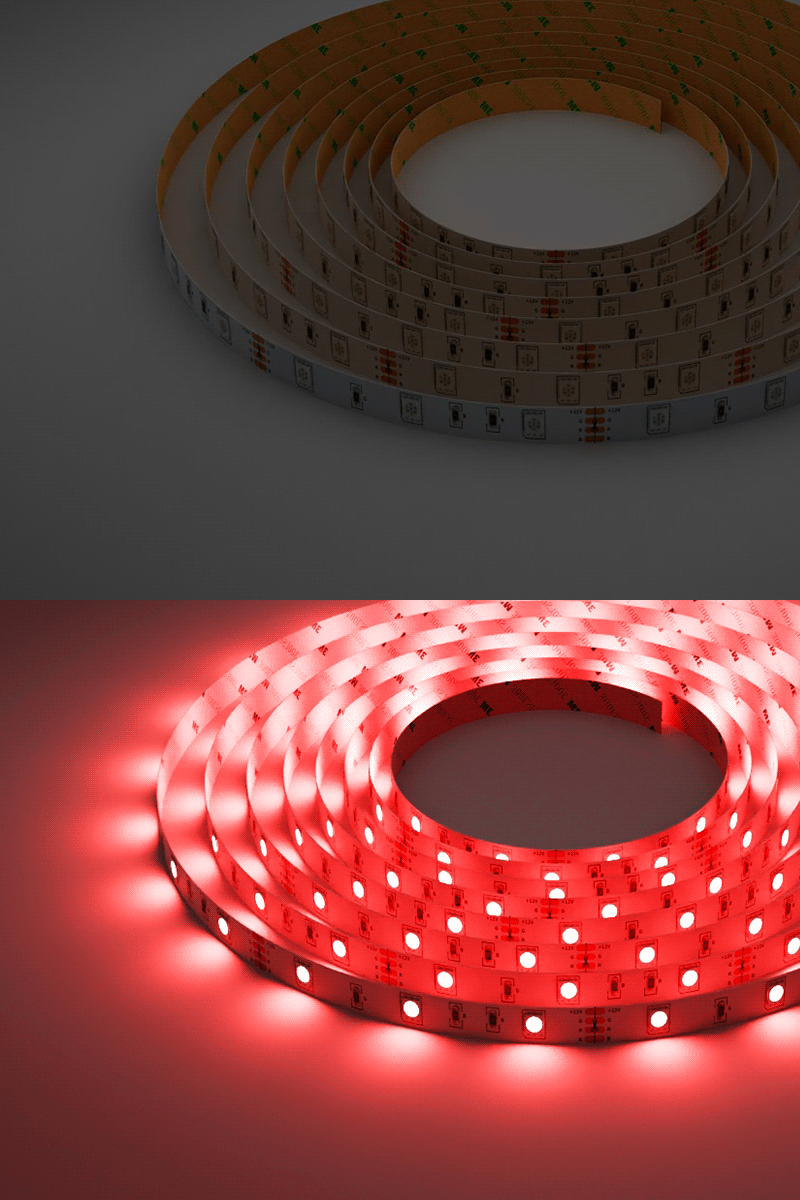
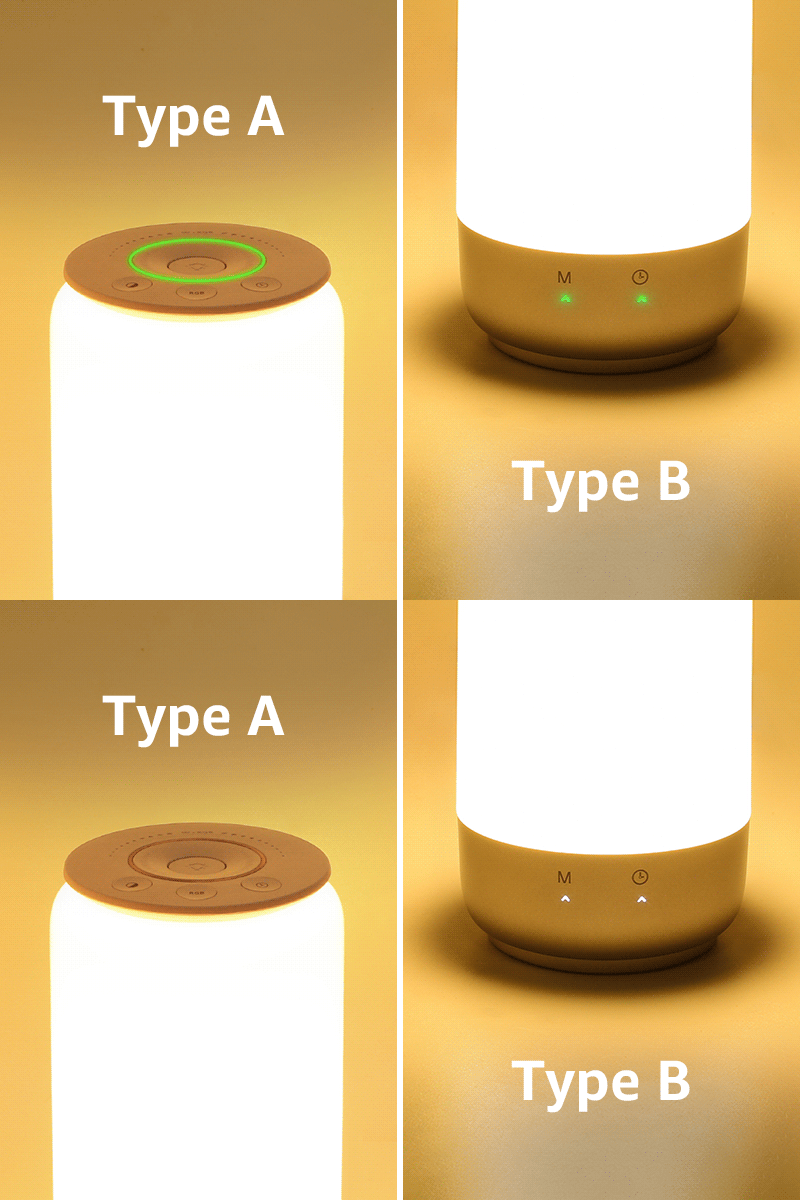
2. How to reset the device
If it doesn't start blinking within 10 seconds after powering on, hold the reset button for more than 5 seconds until it start to blinks. (subject to product manual)
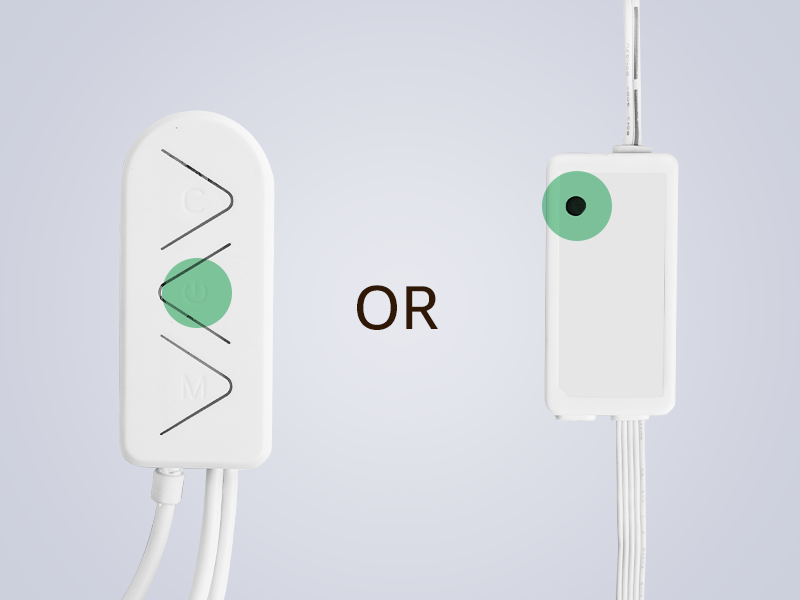
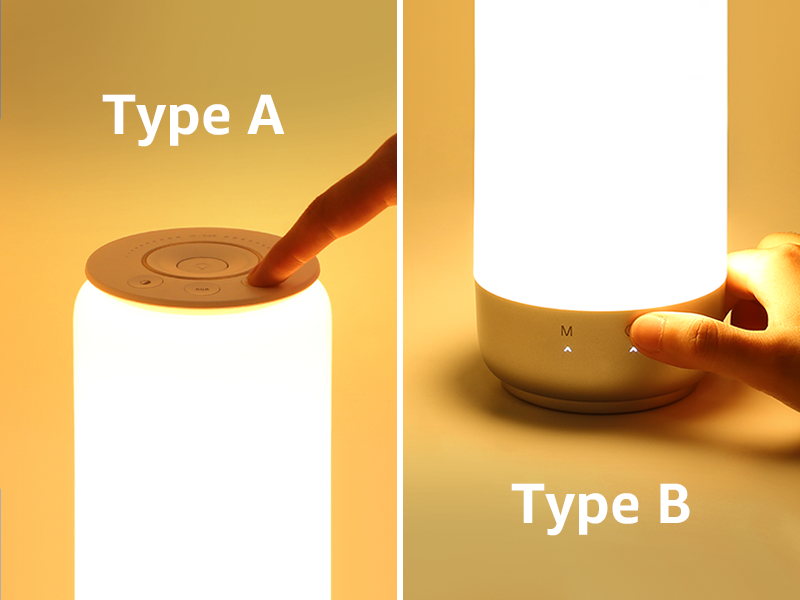
Note: If your device is WiFi pairing only or not in the types above, please try to manually pair the product according to your product manual.
4 comments
Zb1 purchase fails to connect to the wireless blue tooth
Zb1 purchase fails to connect to the wireless blue tooth
Bulb disconnected, been trying to reconnect but keeps timing out.
Bulb disconnected, trying to reconnect but repeatedly timing out